
Whether you have installed a new CPU or overclocked your GPU, benchmarking tools can help assess how well your Windows 11/10 computer performs. The following free options offer performance tests, hardware information and monitoring features that can help you judge whether an upgrade is worth considering.
CineBench
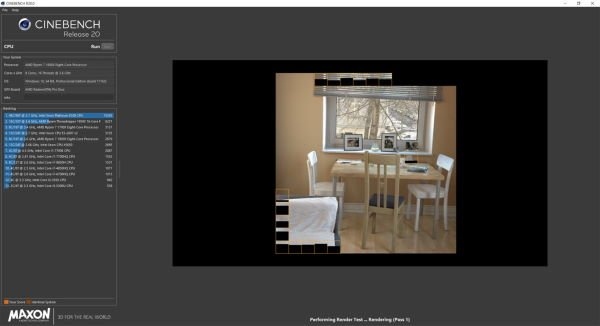
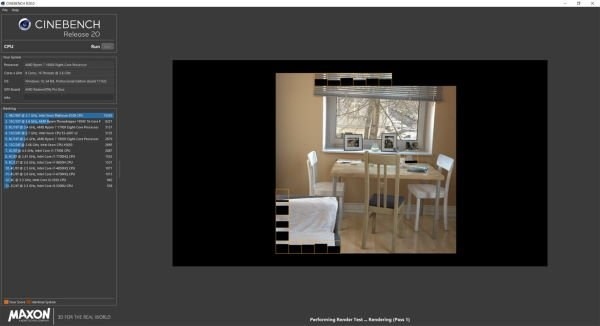
CineBench is a highly regarded CPU benchmarking tool that renders an image to evaluate processor performance. Its real-world workload produces a processor score and provides a comparison with real-world test results.
A higher score indicates stronger performance. If the result falls short of your expectations, it may be worth considering newer hardware.
Get CineBench from Microsoft.
RealBench
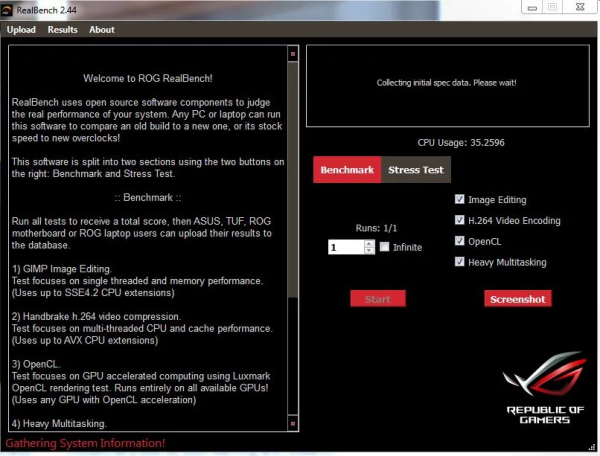
RealBench comes from the Asus team behind Republic of Gamers (ROG) products and services. Its focus is real-world CPU benchmarking, using four tests to assess performance:
- Image Editing
- H.264 Video Encoding
- OpenCL
- Heavy Multitasking
After testing, you can upload your results to compare your ranking with other users.
Get RealBench from its official download site.
For performance analysis and profiling, Microsoft also offers PerfView.
CPU-Z
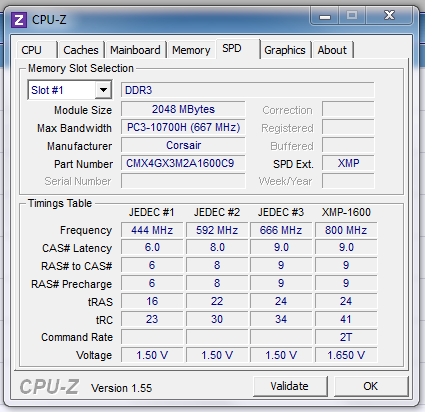
CPU-Z is a strong option for general benchmarking and detailed hardware reporting, with particular emphasis on the CPU. It is also useful for identifying your motherboard when you do not know its specifications.
At the time of writing, CPU-Z is entirely free.
FutureMark Suite
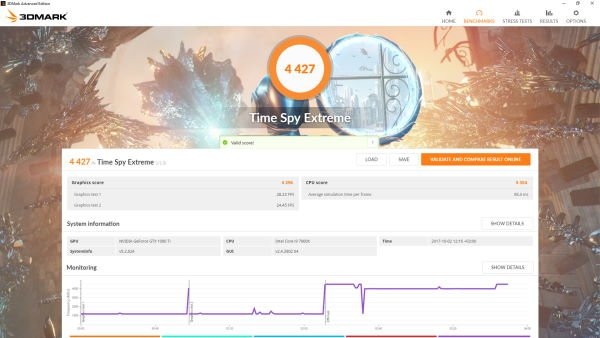
FutureMark Suite offers a free version of the paid 3DMark software. Although it does not include every feature of the paid offering, it provides a DirectX benchmark suited to modern gaming hardware.
You can download it through the Steam Store.
MSI Afterburner
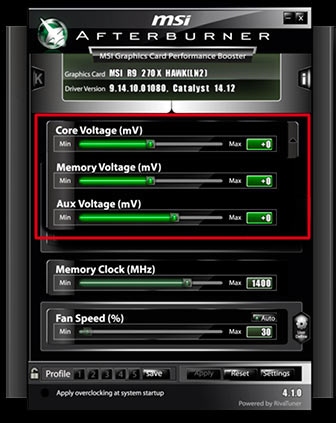
MSI Afterburner is a long-established, popular GPU benchmarking utility from MSI, a company known for its gaming hardware. Despite its name, it is not restricted to MSI graphics cards.
Alongside benchmarking, it supports GPU overclocking and displays monitoring information such as RAM usage and fan speed.
Get MSI Afterburner from its official download page.
GPU-Z
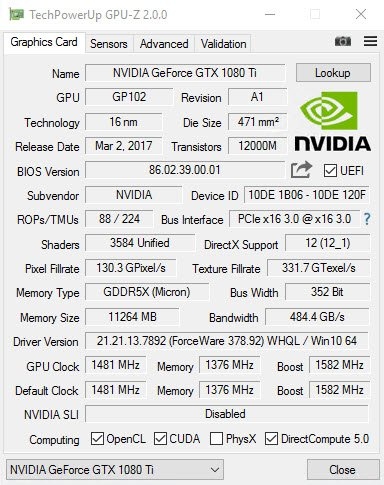
GPU-Z is a popular free GPU utility with an accessible layout similar to CPU-Z, though the two programs have different developers. It supports NVIDIA, AMD, ATI, and Intel graphics cards.
Its GPU load test checks the PCI-Express lane configuration, and results can be validated—a useful option for advanced users. It also reports GPU and display-adapter details, overclocking data, 3D clocks and default clocks.
GPU-Z can back up your graphics card BIOS. Before making software-level changes to a graphics card, back up its BIOS.

