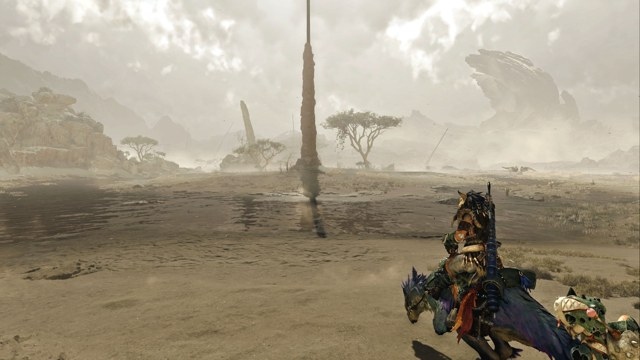
Graphics Settings Monster Hunter Wilds PC graphics guide: Settings for four hardware tiers 2026-10-26 Issue 01 Nick Evanson's tests across four PCs show that upscaling delivers the largest performance gains in Monster Hunter Wilds, with frame generation helping where hardware allows. These settings balance image quality and frame rates from entry-level 1080p systems to high-end 4K PCs, while highlighting CPU limits and costly graphics options.
Graphics Settings How to fix Intel Graphics Settings crashes on Windows 11 2026-10-26 Issue 02 Intel Graphics Settings can crash on Windows 11/10 because of outdated, corrupted, or incompatible drivers, as well as Windows bugs. The fixes below cover reinstalling Intel graphics and audio drivers and updating or reinstalling Intel Graphics Command Center.
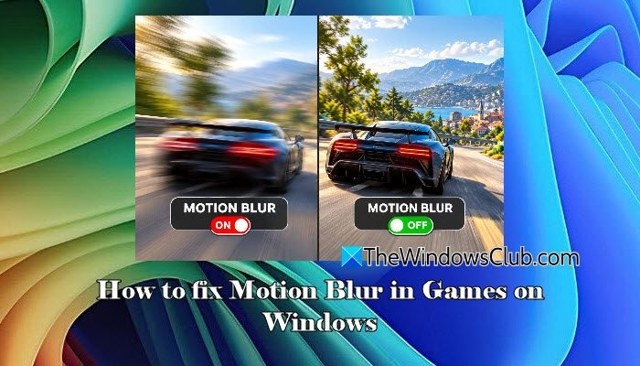
Graphics Settings Reduce Motion Blur in Windows 11 Games 2026-10-26 Issue 03 Reduce unwanted blur by turning off in-game motion blur, checking monitor response time and refresh rate, and adjusting distracting visual effects. A sustainable frame-rate cap can also improve consistency, though game-engine blur and monitor ghosting have different causes.
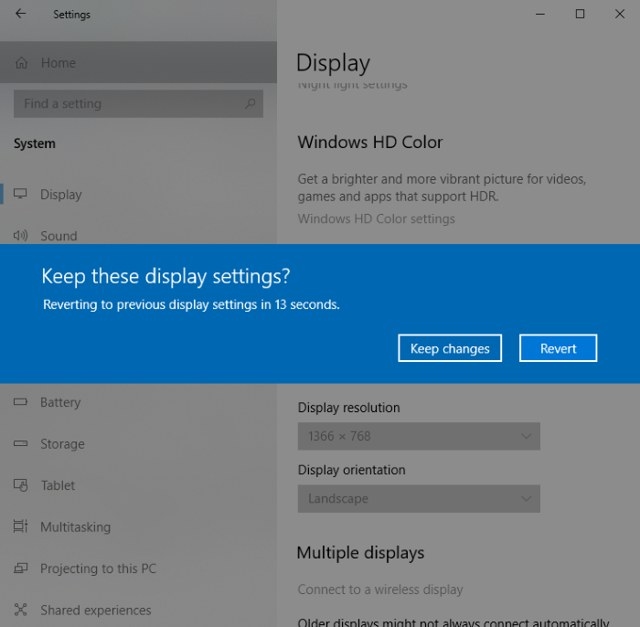
Graphics Settings Ways to Check and Change Screen Resolution in Windows 11 and 10 2026-10-26 Issue 04 Check or adjust your Windows 11/10 screen resolution through Settings, Windows Terminal, HRC – HotKey Resolution Changer, or QRes commands and scripts. The article also covers recommended display values and possible causes of unexpected resolution changes.
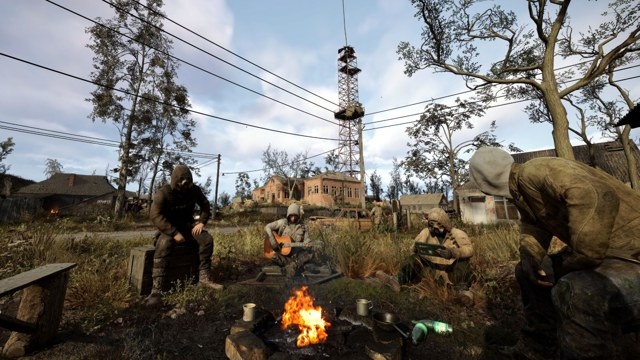
Graphics Settings Stalker 2: Heart of Chornobyl graphics settings for a better balance of quality and performance 2026-10-26 Issue 05 Stalker 2's demanding lighting makes resolution and upscaling especially important. This guide explains which settings offer worthwhile visual improvements, which cost the most performance, and why presets remain a sensible starting point, based on Nick Evanson's pre-release testing.
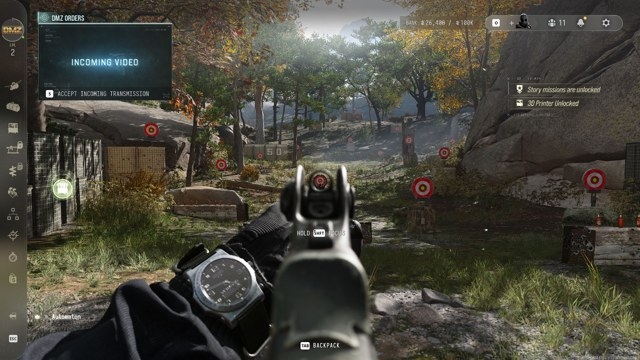
Graphics Settings Four graphics settings to adjust for faster Call of Duty: Modern Warfare 4 performance 2026-10-26 Issue 06 Testing each graphics option in Call of Duty: Modern Warfare 4 identified four settings that offer a useful performance boost without sacrificing too much visual quality. Lowering them from Ultra to Balanced levels raised average performance from 107 to 124 fps in the campaign test, although the benefit was smaller with upscaling enabled.