

A game briefly reaching 250 or 400 FPS can make a benchmark look impressive, but that peak says little about how consistently it runs. Smooth gameplay depends more on maintaining performance through demanding moments than on achieving the highest possible frame rate.
Average FPS helps describe performance across a session, while 1% lows expose drops that an otherwise strong average can hide. Together, they offer a more useful guide than maximum FPS alone.
Peak FPS Misses the Interruptions You Feel
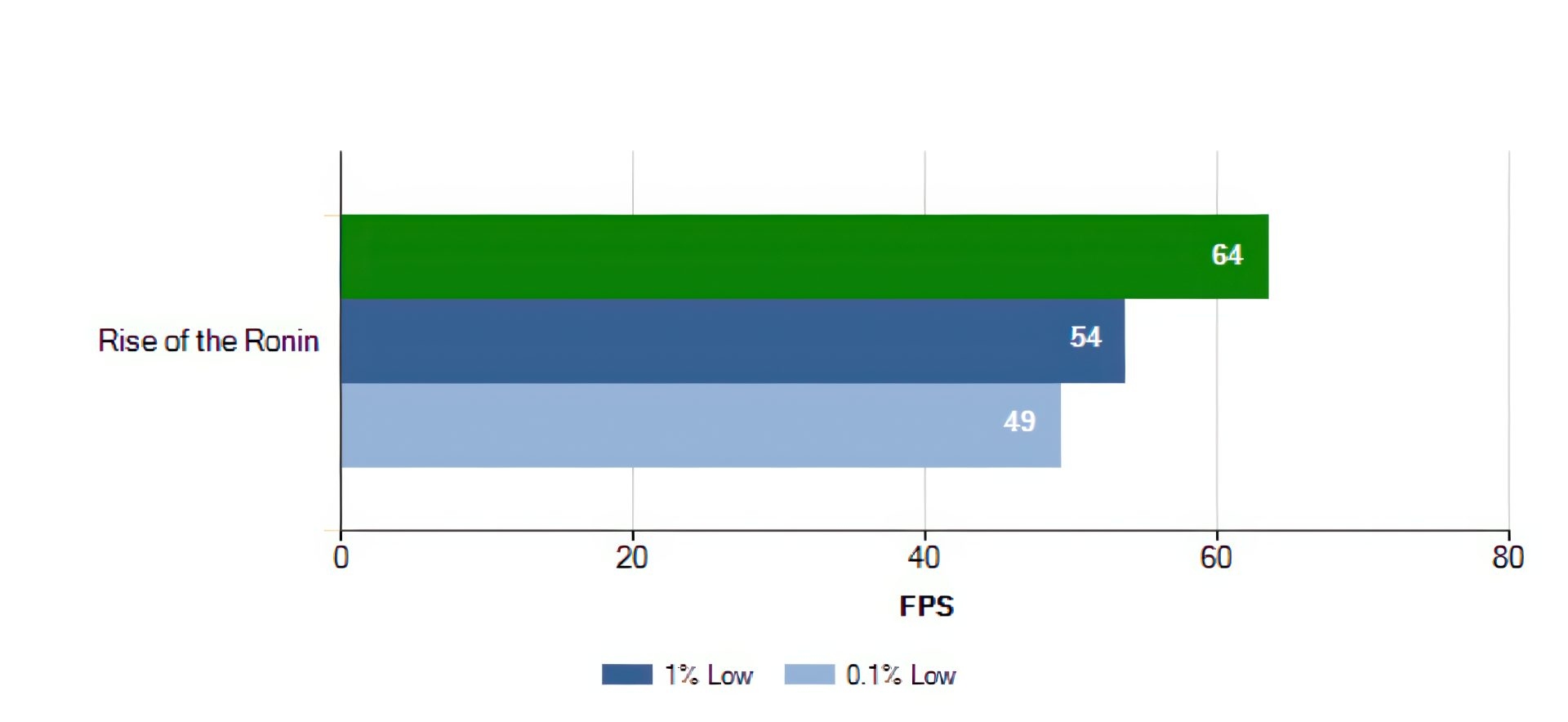
Consider a Counter-Strike 2 or Valorant match that runs at 300 FPS until several players use grenades or abilities at once. If the action then stutters, those interruptions will stand out more than the high frame rates before them.
A steady 140 FPS will usually feel better than performance that swings between 80 and 300 FPS every few seconds. Avoiding abrupt drops matters because they can disrupt aim and make movement feel delayed.
Average FPS Gives a Broader View
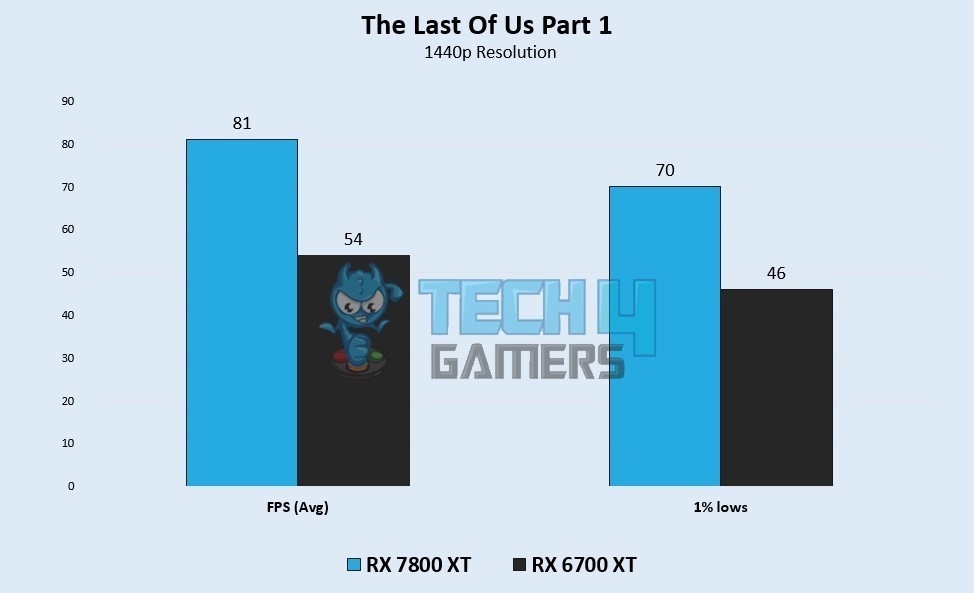
Rather than reporting only a best-case moment, average FPS represents performance over a full benchmark or gaming session. Benchmark software records the frames rendered and uses that data to work out the mathematical mean.
This makes the average more informative than the maximum, but it is not a complete measure of smoothness. Several minutes of strong performance can leave an excellent average even if one busy scene causes a severe freeze.
Use 1% Lows to Understand Performance Drops
The article's author prioritizes 1% lows when comparing graphics cards or processors. This metric measures the slowest one percent of frames, helping show how far performance falls when the hardware is under pressure.
For example, compare these two systems:
- System A: 160 FPS average, with 1% lows of 70 FPS.
- System B: 145 FPS average, with 1% lows of 120 FPS.
System A has the stronger average, but System B will probably feel smoother because its drops are less pronounced. That distinction explains why modern hardware reviewers include 1% lows in almost every benchmark: high peaks and a strong average do not necessarily mean consistent gameplay.
Modern Games Stress More Than the GPU
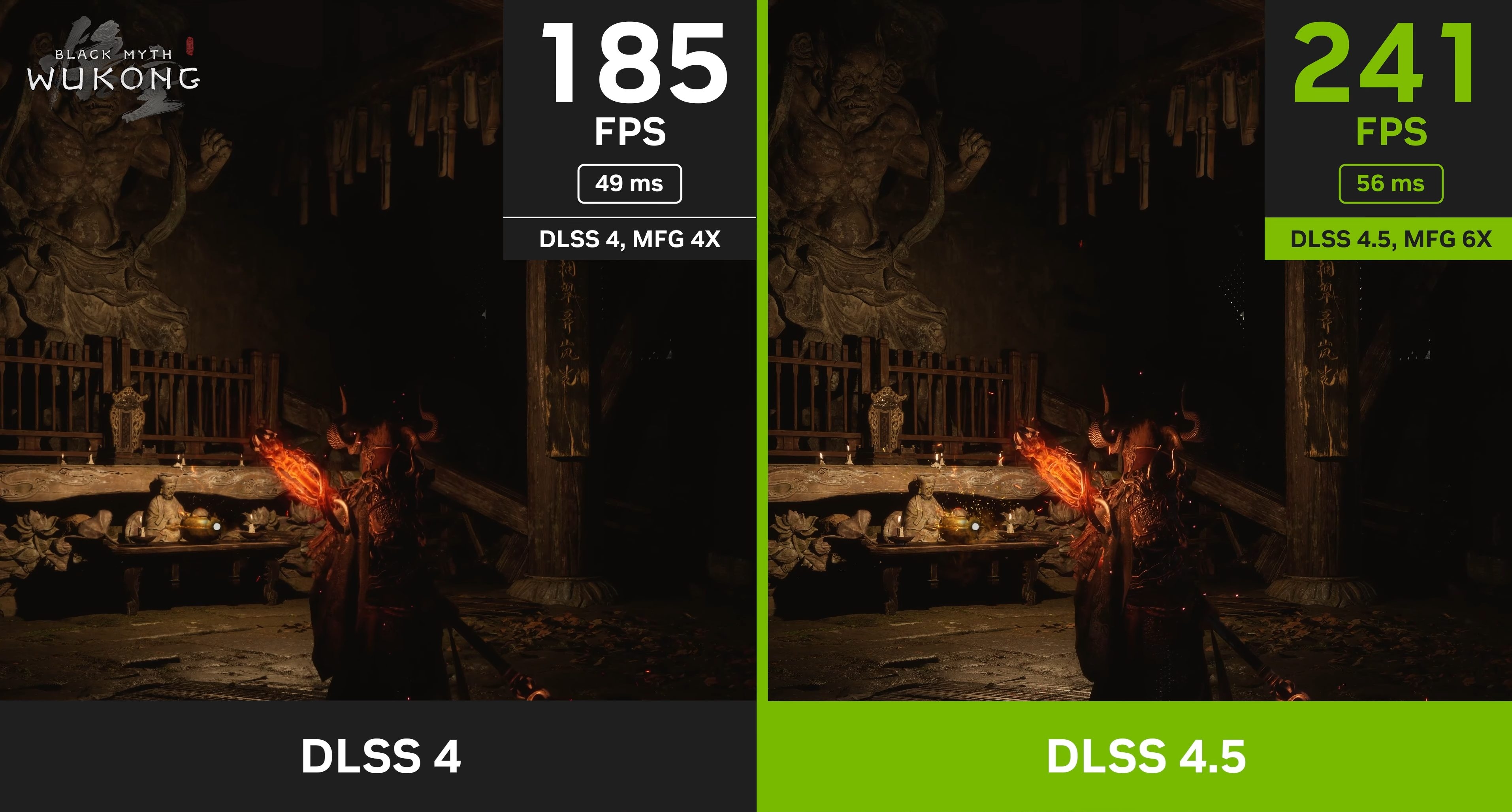
Compared with games from a few years ago, today's titles place greater demands on different PC components through large open worlds, ray tracing, advanced lighting, background asset streaming, and detailed physics.
A powerful graphics card can still suffer frame drops when the processor cannot keep pace or the engine struggles to stream a new area. Players have reported stuttering in several recent AAA releases despite expensive hardware and high average FPS. Many such problems reflect game optimization rather than insufficient GPU power.
Balanced Hardware Helps Keep Performance Stable
Devoting almost the entire build budget to a graphics card can leave other components holding it back. An older processor, slow memory, or inadequate cooling can prevent even a fast GPU from delivering consistently smooth gameplay.
A balanced PC usually achieves stronger 1% lows by reducing component bottlenecks. Several other measures can also help sustain stable frame rates during longer sessions:
- Keep drivers updated.
- Use modern upscaling technologies when appropriate.
- Install games on an SSD.
- Avoid thermal throttling.
Read Benchmarks for Consistency, Not Just Peaks
When reviewing GPU benchmarks, look beyond maximum FPS. Check the average, examine the 1% lows, and consider whether performance remains consistent in demanding scenes.
A brief peak of 320 FPS matters less to the experience than a stutter that interrupts a crucial moment. Average FPS and 1% lows deserve more attention because they better reveal the difference between impressive numbers and smooth play.

