
Variable Refresh Rate (VRR) reduces screen tearing while avoiding the stuttering and increased input lag associated with mismatched frame delivery. FreeSync and G-SYNC are its best-known formats, but their labels alone reveal less than a monitor's actual motion performance and compatibility.
How VRR keeps frames in sync
A fixed-refresh monitor updates at regular intervals: a 120Hz display refreshes every 8.3 milliseconds. If the source produces complete frames at that same pace, each refresh displays a new, finished image.
Games do not always render frames at consistent intervals. When a refresh begins before the next frame is complete, the display can show part of the new frame above part of the previous one. This split, called tearing, is especially noticeable during rapid turns in first-person shooters.
VRR matches the display's refresh rate to the game's frame rate, largely eliminating tearing by showing completed images. It also minimizes input lag because a completed frame can begin appearing without an additional wait. As long as frame times remain reasonably consistent, the result feels smooth.
The main VRR formats
Native G-SYNC launched in 2013 and requires dedicated monitor hardware. AMD introduced FreeSync in 2014, building on the open VESA Adaptive-Sync standard rather than requiring a particular module.
NVIDIA added support for that open standard in 2019 through the G-SYNC Compatible label on graphics cards from the 10 series onward. By the mid-2020s, this approach had become standard on nearly all gaming monitors.
Some displays also support HDMI Forum VRR, the only VRR format usable with the PS5. Native G-SYNC remains available on a smaller selection of monitors and is less common than HDMI Forum VRR.
How FreeSync and native G-SYNC compare
Low framerate compensation
Native G-SYNC and the FreeSync Premium tiers require low framerate compensation (LFC). That distinction now matters less because nearly every modern gaming monitor supports LFC and frame rates down to at least 20Hz. The source publication checks this in its monitor VRR tests.
HDR capabilities
Both formats emphasize HDR in their highest certification tiers. NVIDIA describes ULTIMATE displays as offering lifelike HDR, strong contrast and cinematic color. FreeSync Premium Pro gives developers a mechanism to obtain tone-mapping information from the monitor.
Neither certification is essential for excellent HDR. The source recommends assessing its reviews' HDR Brightness, HDR Color Gamut, and HDR Color Volume results, alongside its HDR gaming monitor recommendations, rather than relying on the VRR tier.
Input lag and latency tools
NVIDIA advertises native G-SYNC as adding no input lag, while AMD describes FreeSync as low latency. The source's testing finds that either type of monitor can have identical input lag with VRR enabled or disabled. Exceptions exist, but any additional lag measured is generally extremely small.
NVIDIA's Reflex Latency Analyzer measures click-to-display latency and requires a monitor with a G-SYNC module or scaler. AMD's comparable Frame Latency Meter does not require dedicated monitor hardware.
Backlight strobing
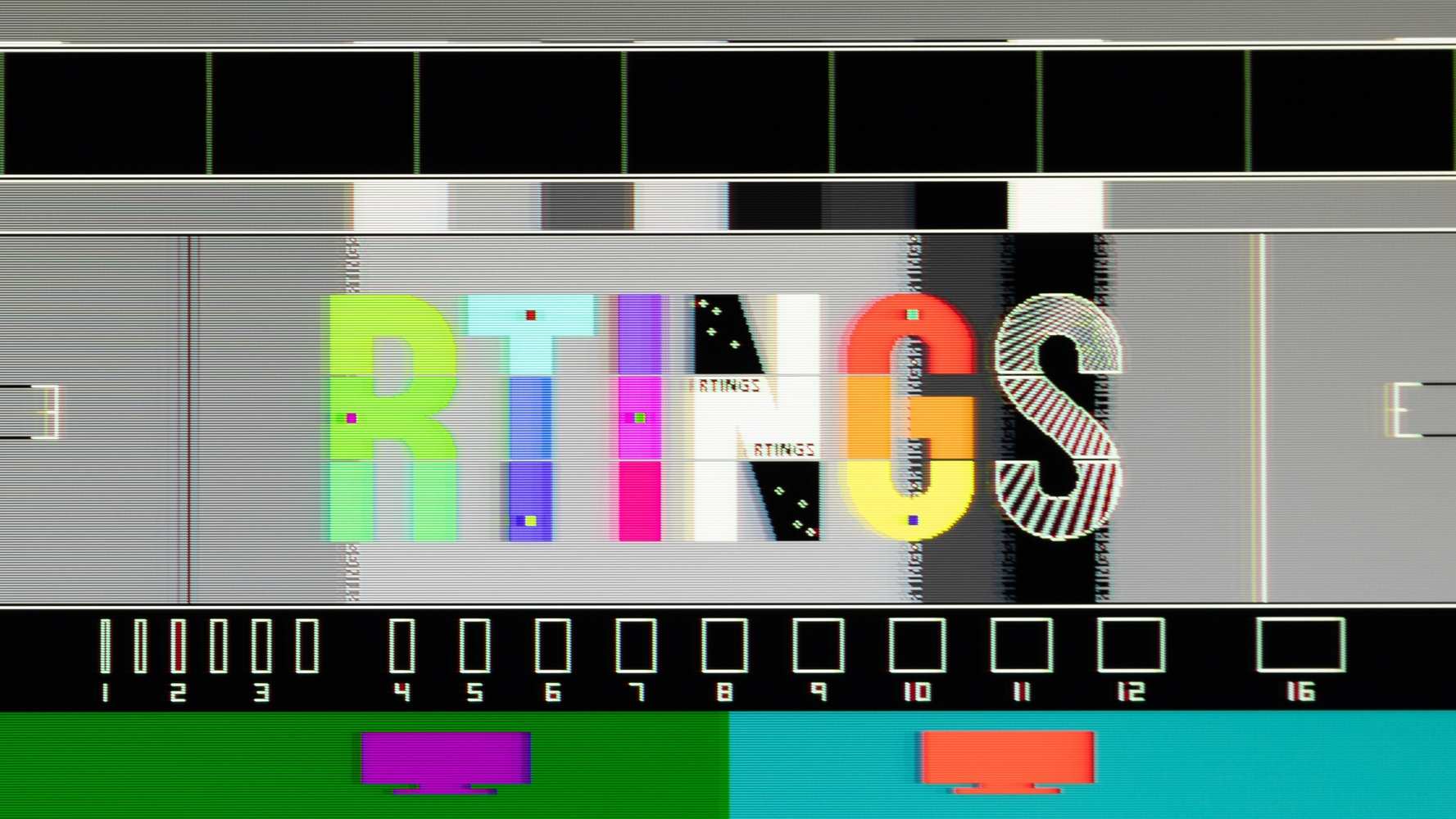
NVIDIA's Pulsar technology works with native G-SYNC to synchronize backlight strobing with the changing refresh rate while VRR is enabled, reducing image duplication. FreeSync has no equivalent synchronization technology, although many FreeSync monitors allow backlight strobing and VRR to operate together.
Variable overdrive
Native G-SYNC gives manufacturers a way to adjust overdrive as refresh rates change. However, some FreeSync monitors also implement variable overdrive, so the feature is not exclusive to G-SYNC.
Display connections
FreeSync and native G-SYNC can both operate over DisplayPort on supported monitors. They also work over HDMI, whereas G-SYNC Compatible does not. However, NVIDIA graphics cards can use VRR over HDMI when the monitor supports HDMI Forum VRR.
Overall, FreeSync and native G-SYNC provide similar features and performance. For PC gaming, the monitor's implementation usually matters more than the format.
What to check before choosing a monitor
Motion clarity with VRR
Faster pixel transitions produce clearer images, particularly during rapid motion. The source tests VRR motion performance on every monitor; those results help distinguish displays with better response times and sharper movement.
VRR flicker
Rapid frame-rate changes can cause some monitors to flicker with VRR enabled. The source tests this on every monitor and explains it further in its article on the VRR Flicker Problem in Monitors. If flicker bothers you, look for a high VRR Flicker score.
Console support
Xbox Series X|S supports FreeSync and HDMI Forum VRR; PS5 supports only HDMI Forum VRR. Consequently, a gaming monitor may not provide VRR with both consoles. The source checks compatibility at 60Hz and 120Hz across 1080p, 1440p, and 4k, so console users should consult those results.
macOS support
A monitor's VRR compatibility and operating range on macOS can differ from its behavior on a PC. The source tests macOS compatibility and refresh rate range for each monitor and recommends consulting the macOS review section before choosing a display for gaming on that platform.
Which format should you choose?
Nearly all modern monitors support FreeSync and G-SYNC Compatible, so PC gamers generally need not prioritize one label over the other; the graphics card determines which format is used. Focus instead on tested motion handling, flicker and compatibility with your devices. Those characteristics are more useful guides to a good VRR experience.

